
Call Us: 0333 020 0530
Raise a Support Ticket
My Account
Connect With Us On LinkedIn
Follow Us On Twitter
Find Us On Facebook
Each file is run through our file monitoring software, if it detects any dangerous files it routes them straight to quarantine.
A security suite for Website, it automatically adds many common Website security measures to your website. *Not available as a standalone plugin.
A full anti-virus scan is done twice per day. Any threats are moved to quarantine and anything suspicious is reported to our team who check them immediately.
The first line of defence against many attacks. Tech-HostsFirewall immediately blocks suspicious IP addresses so they cannot access anything.
We cache your content in 36 locations across the world which is then served to visitors from the closest one, making it extremely fast.
LiteSpeed web server loads your website at a fraction of the time the standard Apache web server does.
Twice as fast as standard hard drives, our SSD drives give you an extremely fast data transfer rate.
We host your DNS in 4 locations across the world giving you the fastest response time and the highest reliability.
Our server based caching is proven to out perform standard website caching by over 3 times. It is extremely quick.
Our database infrastructure runs on MariaDB gives you a very fast connection between your website and your database.
A premium hosting package, perfect for small businesses, freelancers or agencies.
More resources, more space and more bandwidth. Suitable for websites that get a lot of traffic.
Even more resources, space and bandwidth. Perfect for high traffic websites that need to perform.
Whether you need even more resources, or you want to discuss bulk purchases, please do not hesitate to get in touch for a custom quote
Our system backs up your entire account daily. Retaining 2 daily, 2 weekly and 2 monthly back ups.
We don't want to waste your time with complex contracts, simply pay as you go, no risk, no hassle.
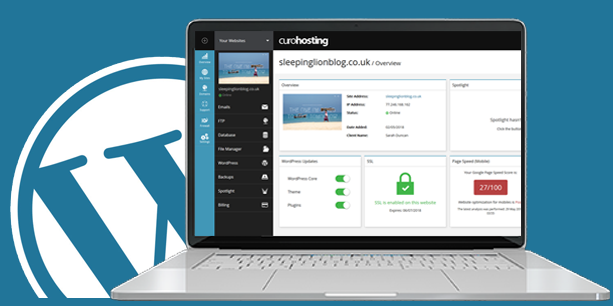
A platform built for you, Tech-HostsHub makes it super easy to manage your website. Manage multiple websites, manage clients, invight people to collaborate, and gain access to many more powerfull tools to benefit your website(s)
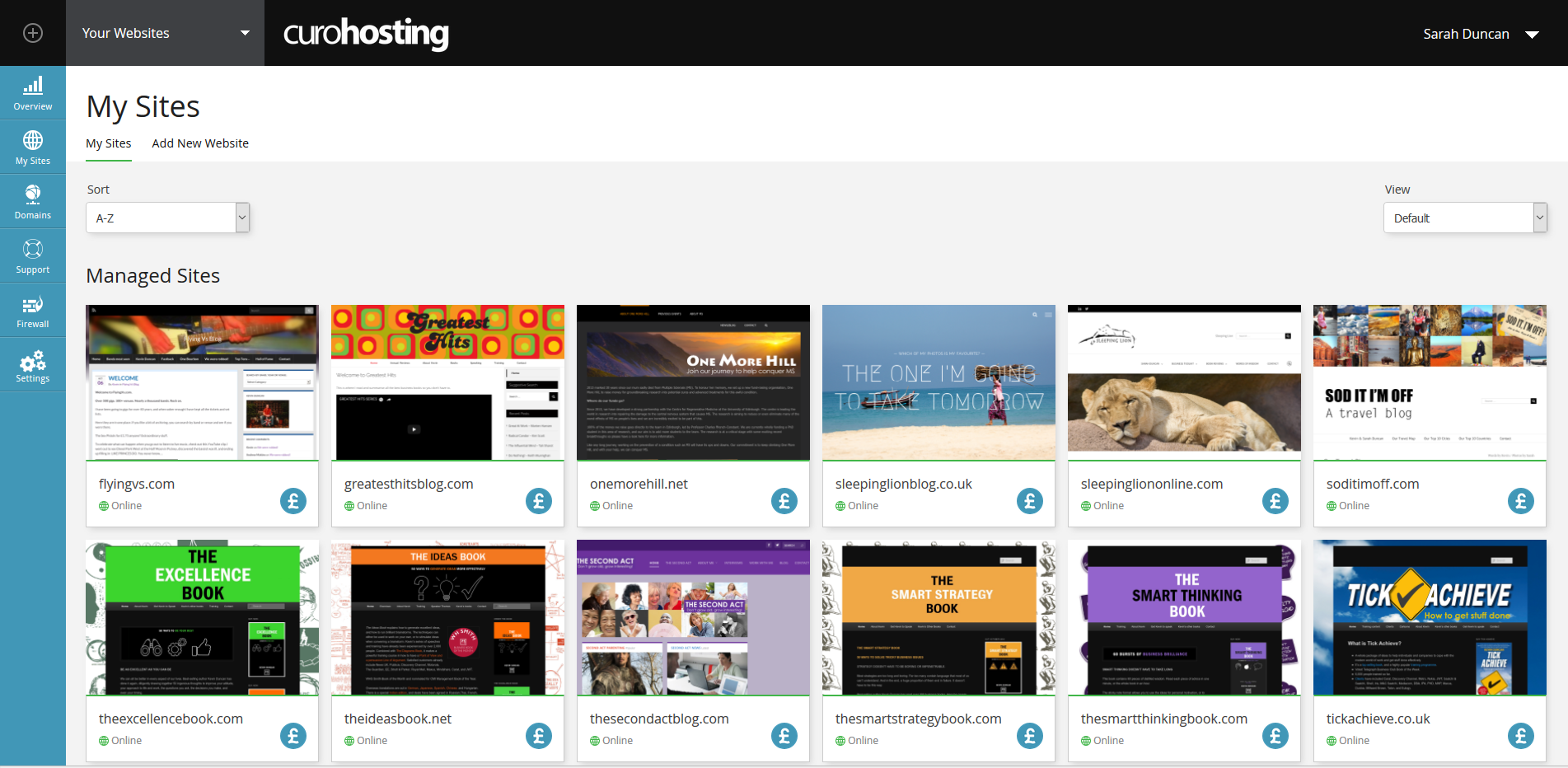 *Easily manage multiple sites
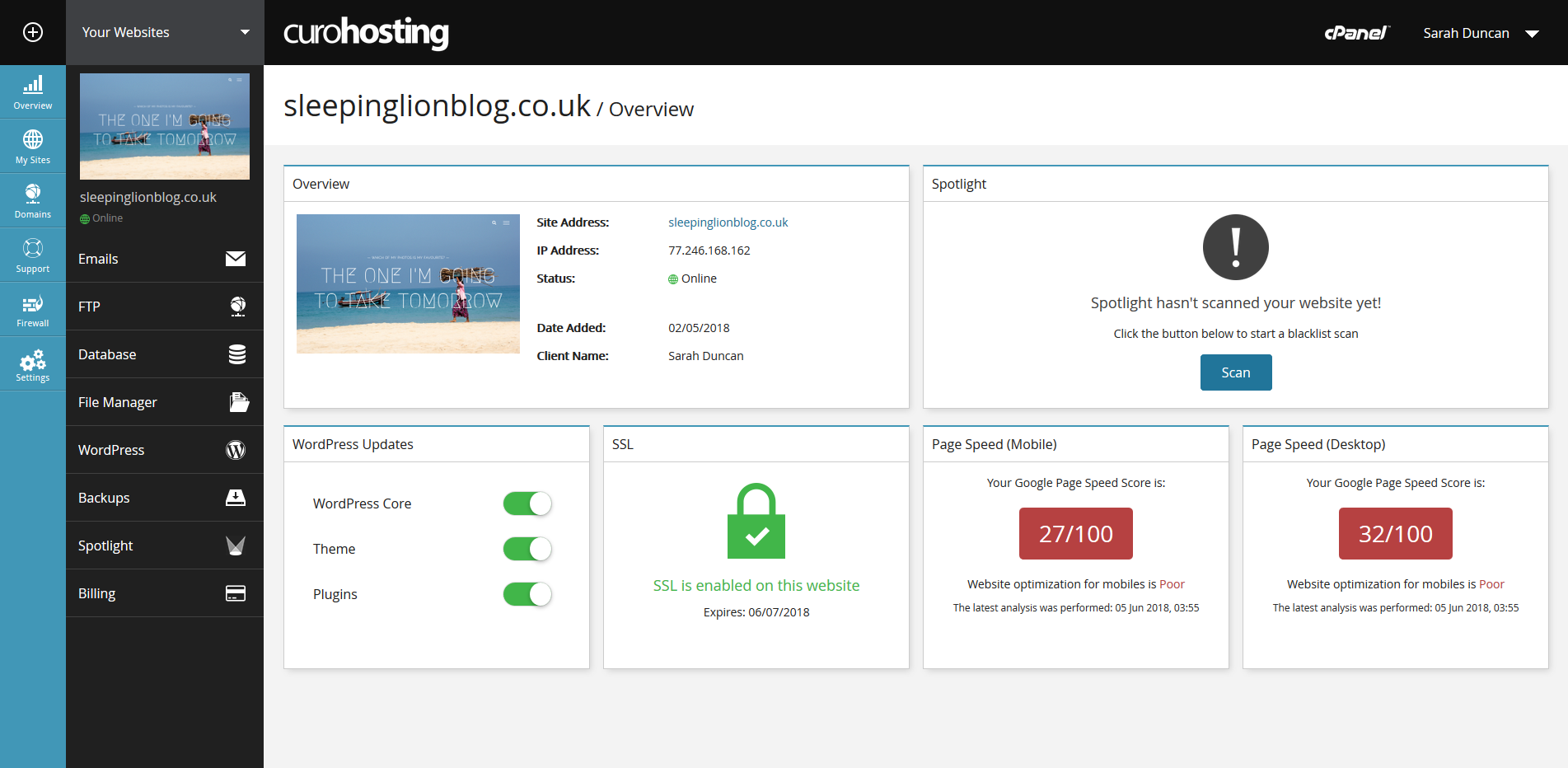 *Keep your website optimised
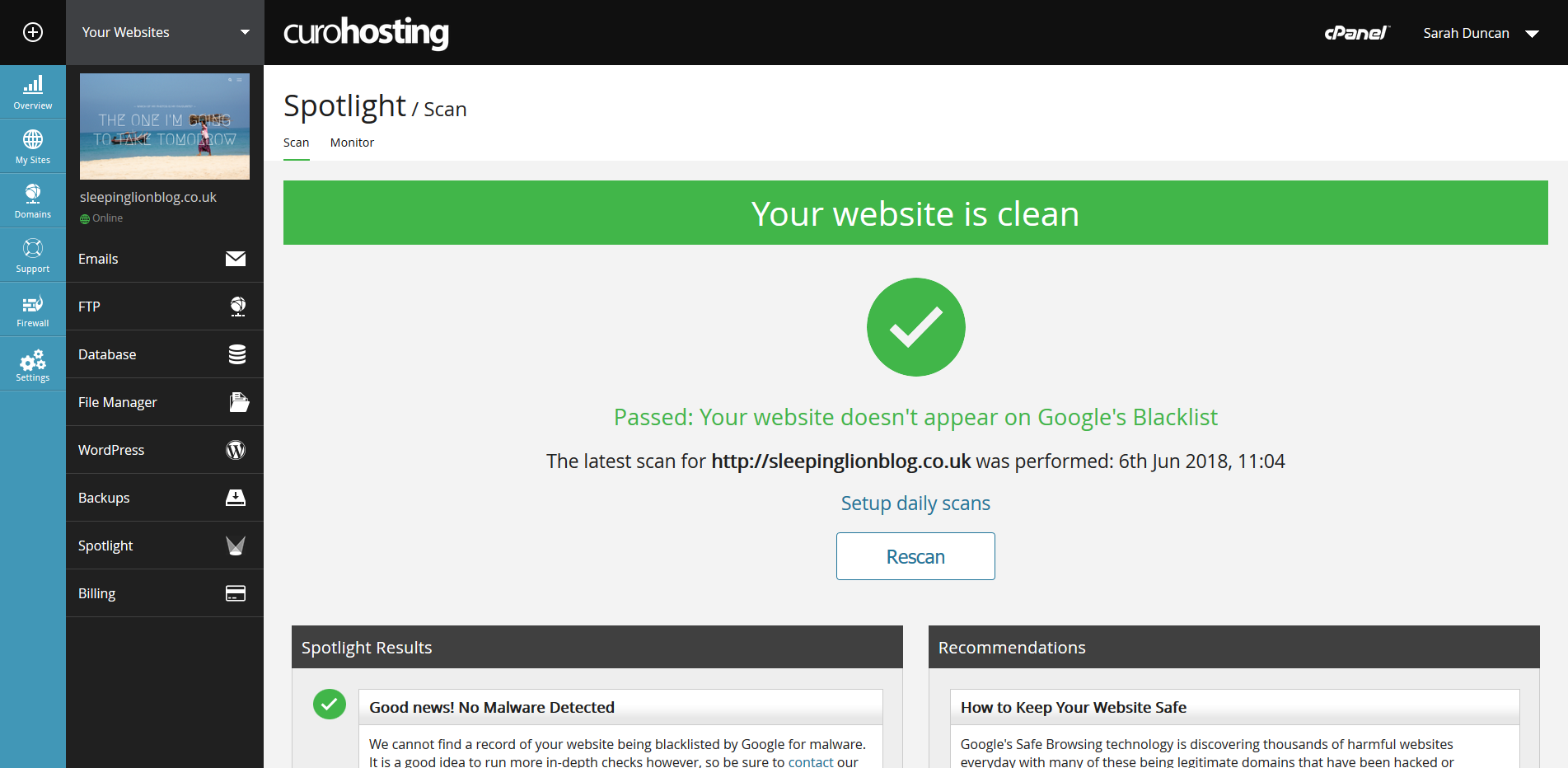 *Monitor your security status in Google
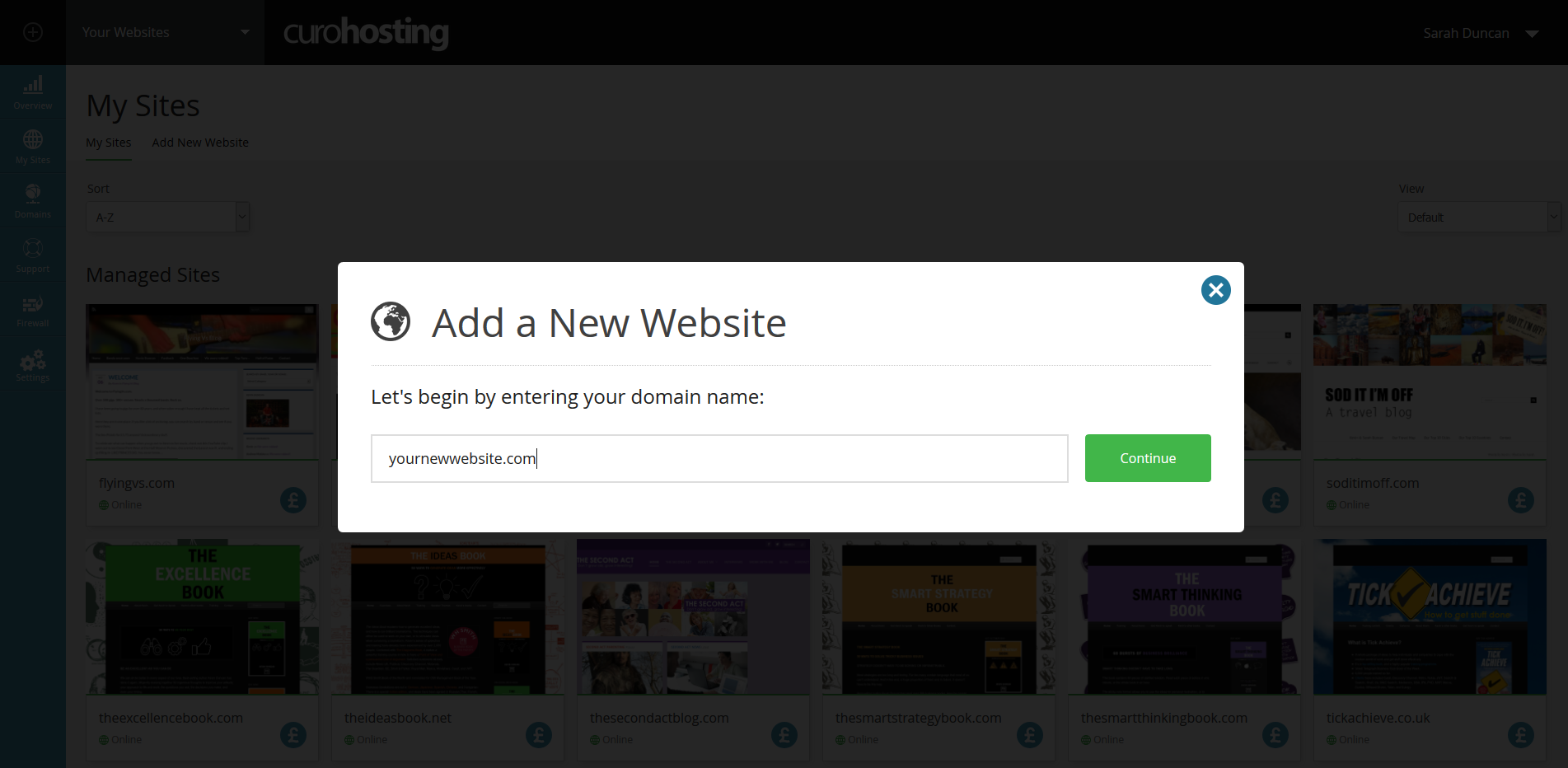 *Easily add new websites to your account
We have direct phone support during business hours and an emergency support line out of hours.
No quibble money back gaurantee within 60 days of purchasing any of our packages.